What Is UPI Lite? Features, Benefits and Payment Limits
What if you could make your everyday UPI payments without entering your UPI PIN every time?
UPI Lite makes eligible small-value payments simpler using a preloaded balance.
But how does it differ from regular UPI, and what are its transaction limits? Here’s what you need to know.
What Is UPI Lite?
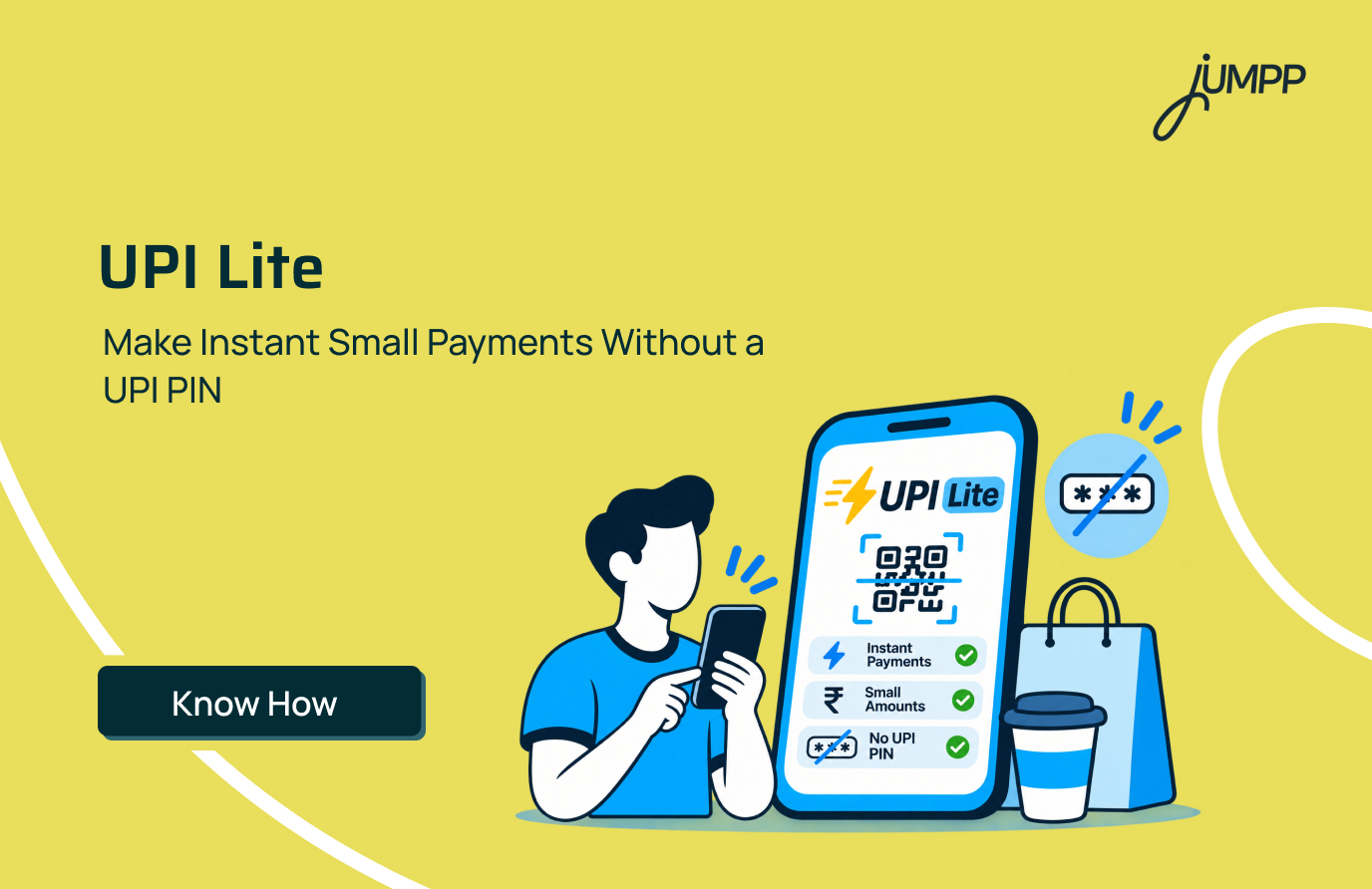
UPI Lite is an on-device digital wallet built into supported UPI apps, such as Google Pay, PhonePe and BHIM, for quick, low-value transactions without requiring a UPI PIN.
Developed by the National Payments Corporation of India (NPCI), it works like a digital pocket-money wallet. You add money from your linked bank account and use the available balance for everyday purchases.
For example, if you load ₹1,000 into UPI Lite and spend ₹80 at a grocery shop, your remaining balance becomes ₹920.
How Does UPI Lite Work?
UPI Lite works by using a preloaded balance for eligible small-value transactions without requiring a UPI PIN for each payment. Unlike regular UPI, these payments do not require the same real-time interaction with your bank’s core systems.
Here’s how a payment is processed:
- Activate UPI Lite through a supported UPI app.
- Add money from your linked bank account using your UPI PIN.
- Make a payment at a shop or to a supported recipient.
- The amount is deducted from your UPI Lite balance.
- View your remaining funds and transaction history in the app.
For example, if your UPI Lite balance is ₹500 and you pay ₹75 for groceries, ₹425 remains available.
Unlike regular UPI, individual eligible payments do not require repeated PIN authentication.
What Are the Benefits of UPI Lite?
UPI Lite is designed to simplify frequent, low-value transactions.
1. Quick Payments Without a UPI PIN
Complete eligible payments without entering your PIN every time, reducing the steps required at checkout.
2. Convenient for Everyday Purchases
Use your preloaded balance for small expenses such as groceries, local transport, tea and snacks.
3. Less Clutter in Bank Statements
Individual UPI Lite payments are recorded in the app rather than appearing as separate debits in your bank statement. This makes it easier to review your main account transactions.
4. Reduced Dependence on Real-Time Bank Processing
UPI Lite uses a streamlined payment process that reduces dependence on the issuing bank’s real-time systems for individual transactions. This can help reduce certain payment failures, although successful payments are not guaranteed.
5. Easy Balance Tracking
Check your available funds and payment history directly through the supported UPI app.
What Is the UPI Lite Limit in 2026?
The UPI Lite transaction limit is ₹1,000 per payment, while the maximum wallet balance is ₹5,000.
| Limit Type | UPI Lite Limit |
| Per-transaction limit | ₹1,000 |
| Maximum wallet balance | ₹5,000 |
| Daily cumulative spending limit | ₹10,000 |
| UPI PIN for eligible payments | Not required |
How to Activate UPI Lite?
You can activate UPI Lite through a supported UPI app and add money from your linked bank account.
Here are the steps to activate UPI Lite –
- Open a supported app, such as Google Pay or PhonePe.
- Tap your profile or payment settings.
- Select UPI Lite.
- Choose an eligible linked bank account.
- Enter the amount you want to add.
- Authorise the transfer using your UPI PIN.
Once activated, the balance becomes available for eligible transactions.
The exact steps may vary depending on the payment app.
How to Use UPI Lite for Payments?
Once activated, you can use UPI Lite to make eligible payments through your supported app.
- Open your UPI app.
- Scan a merchant QR code or select a supported recipient.
- Enter the amount.
- Choose UPI Lite as the payment method, if required.
- Confirm the transaction.
For eligible payments within the applicable limit, the amount is deducted from your UPI Lite balance without requiring a UPI PIN.
If your balance is insufficient, you may need to add funds or select another payment method.
Can You Use UPI Lite Without Internet?
No, standard UPI Lite generally requires an active internet connection to make payments.
However, UPI Lite X is a separate NFC-based feature designed to support certain offline transactions on compatible devices.
UPI Lite and UPI Lite X should not be treated as the same service.
Related Reading: Offline UPI Payment in India: How to Pay Without Internet
UPI vs UPI Lite: What Is the Difference?
Regular UPI generally debits your bank account directly, while UPI Lite uses a preloaded balance for small payments without requiring a PIN each time.
| Feature | Regular UPI | UPI Lite |
| UPI PIN | Generally required for payments | Not required for eligible payments |
| Per-transaction limit | Generally up to ₹1 lakh; higher for certain categories | ₹1,000 |
| Source of funds | Linked bank account | Preloaded UPI Lite balance |
| Maximum stored balance | Depends on bank account | ₹5,000 |
| Transaction history | Recorded in bank account | Individual payments visible in the app |
| Internet requirement | Generally required | Required for standard UPI Lite payments |
| Suitable for | General payments and transfers | Frequent small-value payments |
Conclusion
UPI Lite can be useful if you frequently make small payments throughout the day. Before using it, check the applicable transaction limits, keep track of your available balance and review your payment history regularly.
FAQs on UPI Lite
The main difference between UPI and UPI Lite is how payments are processed. Regular UPI deducts money directly from your linked bank account, while UPI Lite uses a preloaded balance for PIN-free transactions of up to ₹1,000.
Yes, UPI Lite is designed for secure, small-value payments under NPCI’s framework. However, since transactions do not require a UPI PIN, users should enable a screen lock and immediately report any unauthorised activity.
To pay with UPI Lite, open a supported UPI app, scan a QR code or select a recipient, enter the amount and choose UPI Lite as your payment method. The money is deducted from your available balance without entering a UPI PIN.
No, you cannot withdraw physical cash directly from UPI Lite through an ATM. However, you can transfer the unused balance back to your linked bank account using supported options.
Yes, you can get your unused UPI Lite balance back by using the balance-transfer or closure option in your UPI app. The amount is credited to your linked bank account, subject to successful processing.
No, UPI Lite generally does not charge customers for eligible transactions, adding funds or transferring the remaining balance back to their bank account.